

Transactions appear doubled (book account)
If every transaction in an account appears to be doubled, an automatic counter-entry has usually been created. This happens when a transaction has a book account set — Spendle then creates a counter-entry with the opposite amount in that account.
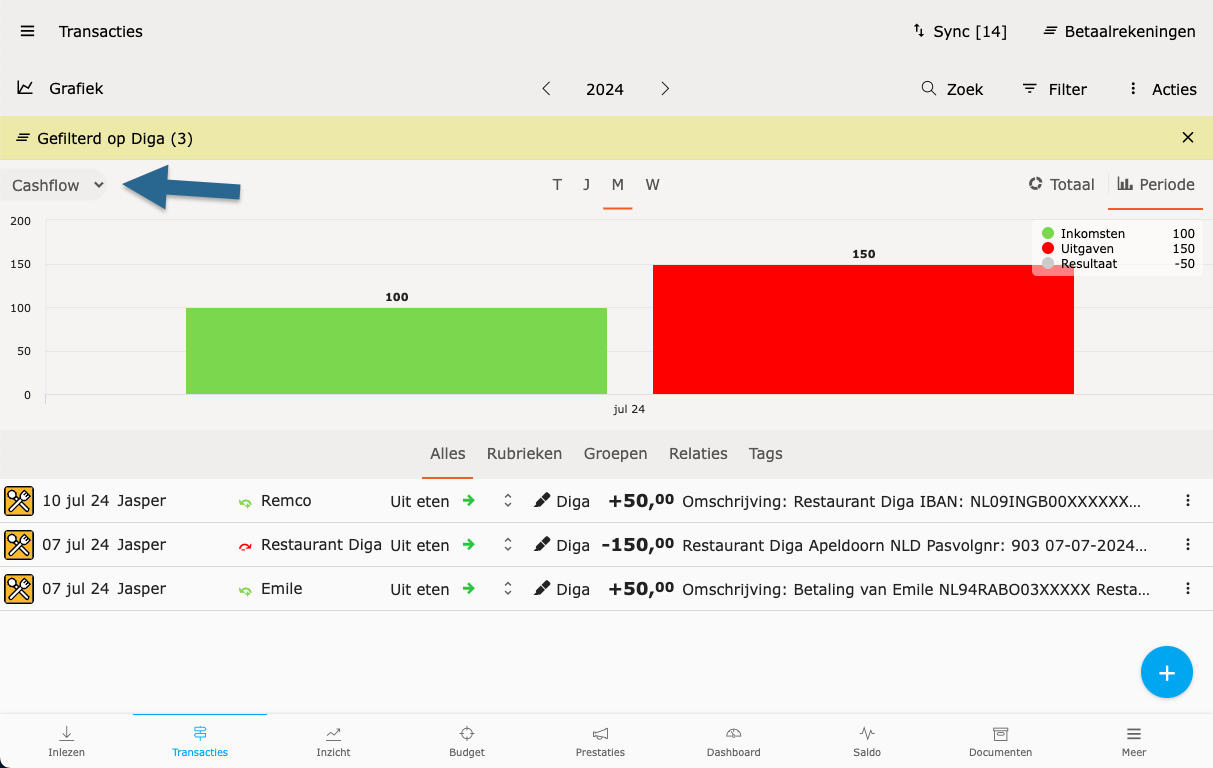
Solution: clear the book account
Section titled “Solution: clear the book account”-
Open the transaction whose duplicate you see.
-
Look at the Book account field. Is an account filled in? Clear the field.
-
Save. The counter-entry disappears.
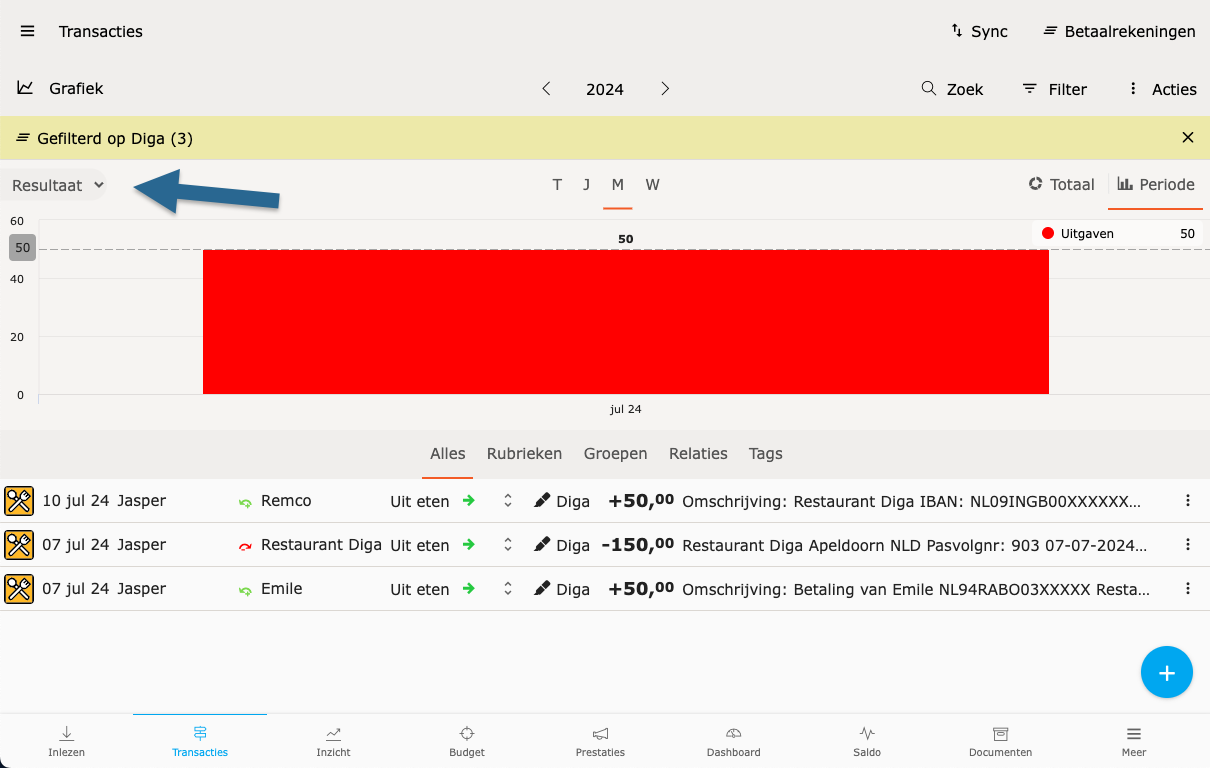
Does the book account come from a rule?
Section titled “Does the book account come from a rule?”If the book account was assigned automatically by a rule, it will be filled in again on the next transaction — clearing it on the transaction alone is only a temporary fix. To adjust the rule itself:
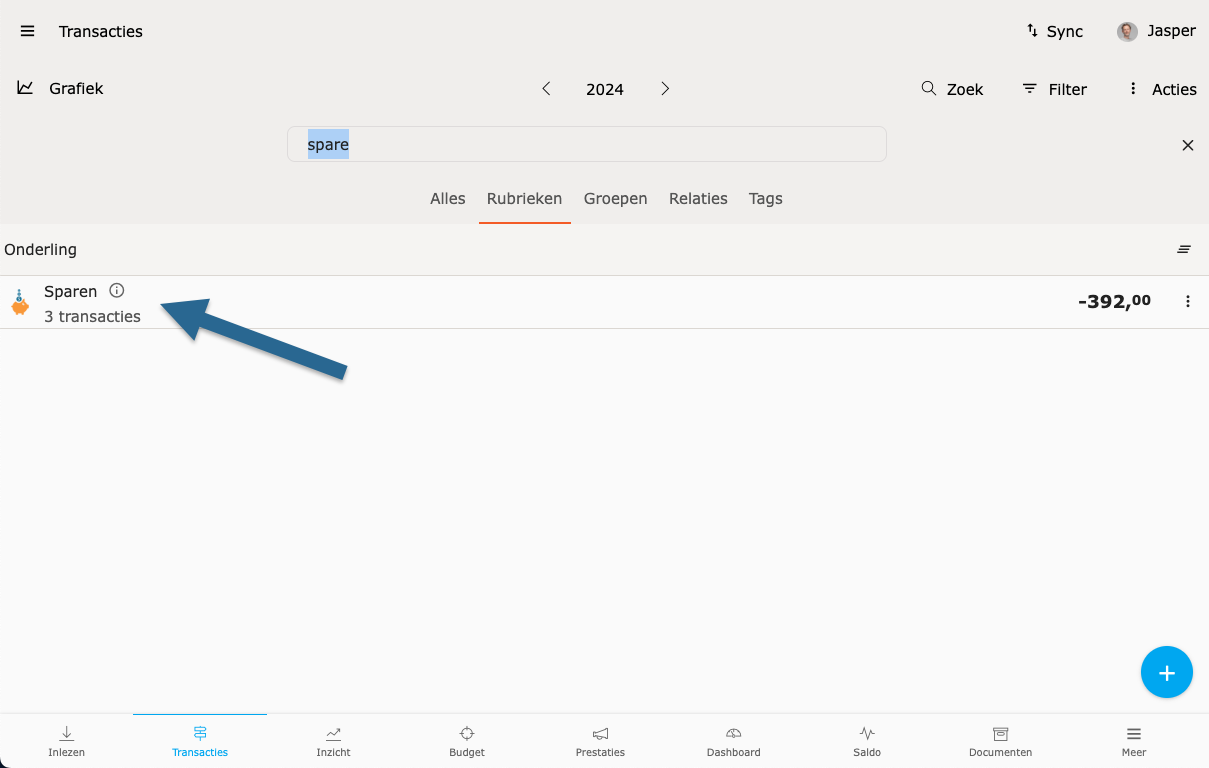
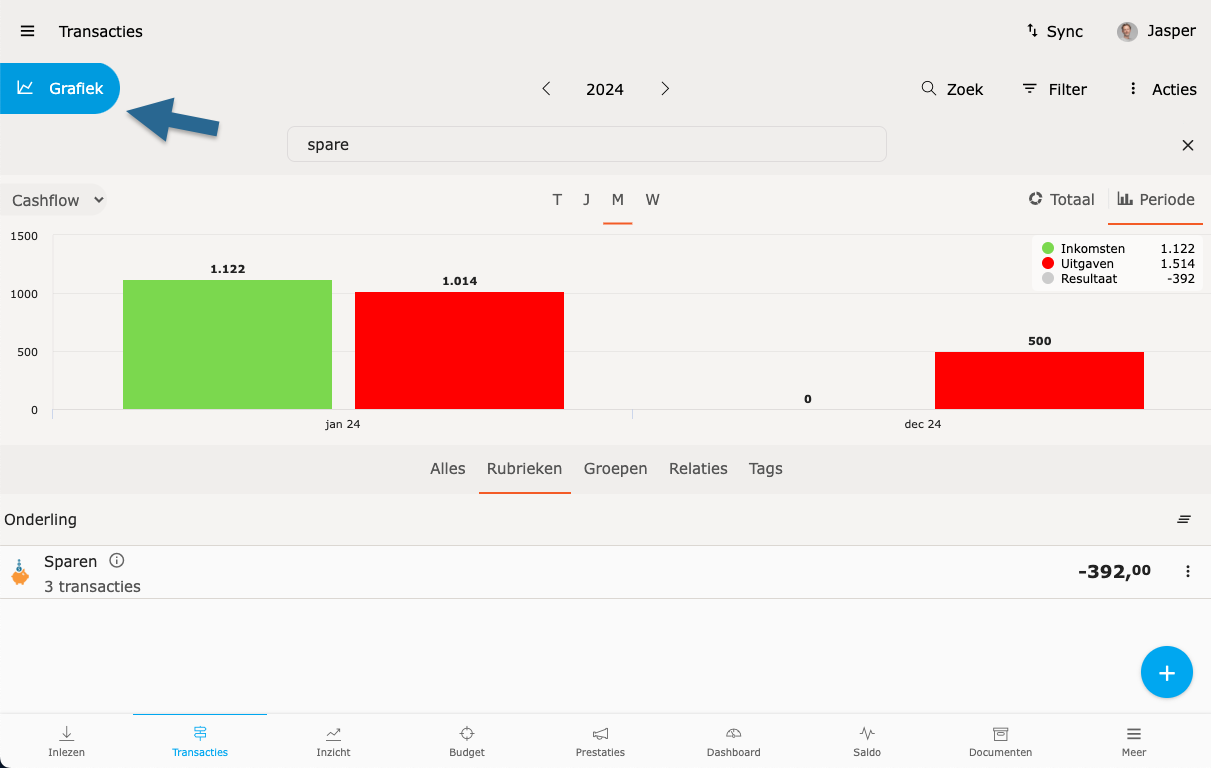
-
Open the transaction.
-
Click Assigned at the bottom left. Spendle opens the rule that assigned the book account.
-
Clear the Book account field in the rule (or delete the rule if it is no longer needed).
-
Save. Similar transactions will no longer be assigned a book account going forward.