

Flow diagram
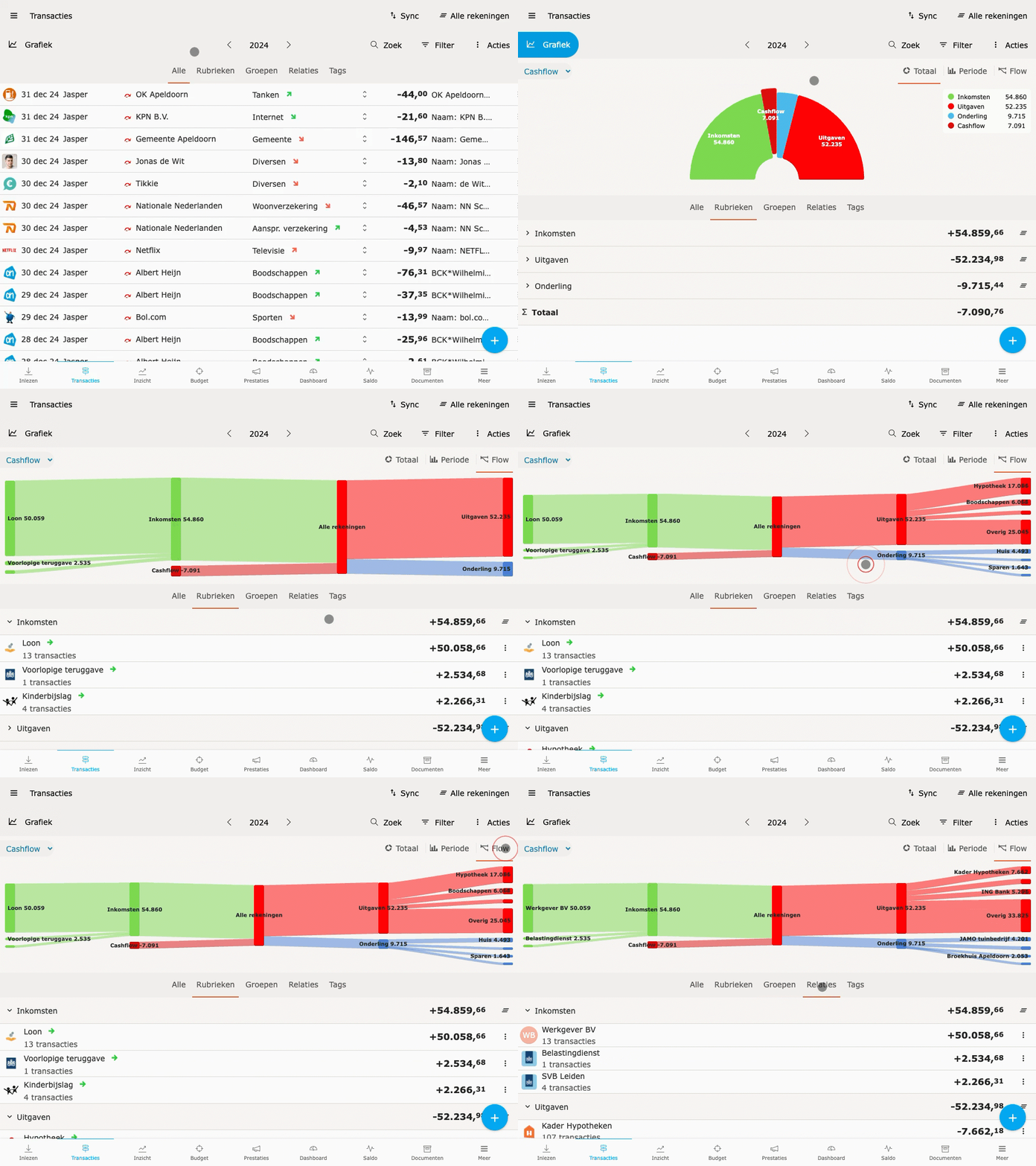
The Flow diagram is a Sankey view in the Transactions screen that visualizes money flows per category, group or relation. Income, expenses and internal transfers are shown as separate flows that can be expanded and collapsed.
How it works
Section titled “How it works”- In Transactions, go to the Chart view.
- Select Flow.
- Click on Income, Expenses or Transfers to expand or collapse the flows.
Components
Section titled “Components”- Income — amounts coming in.
- Expenses — flows from your account per category.
- Internal transfers — for example transfers to your own savings account or investments. Categories with Internal checked fall into this group.