

Setting up a profile
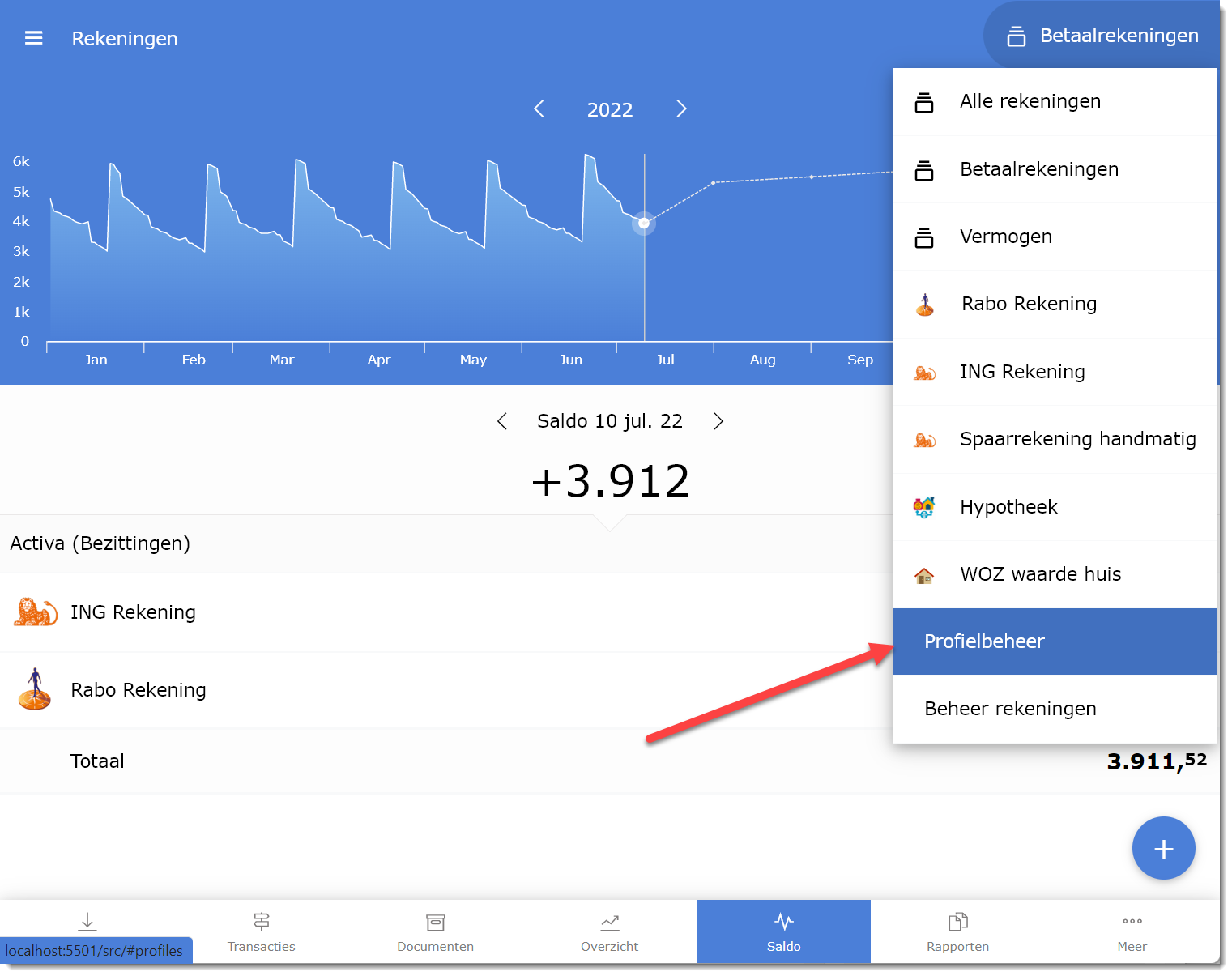
A profile is a group of accounts that belong together. In a shared administration with a partner, there could be a profile You, a profile Partner, and a profile Together for shared accounts. The profile filter at the top of the app allows quick switching between these views.
How it works
Section titled “How it works”-
Open More > Administration > Profiles.
-
Click + New profile. Give it a recognisable name and optionally a colour.
-
Assign accounts. An account can be in multiple profiles at the same time (e.g. your savings account in both You and Together).
-
Save. The profile appears in the selection list at the top right of the app.
Example: two-person household
Section titled “Example: two-person household”| Profile | Accounts |
|---|---|
| Current accounts | Your current account, partner’s current account, joint current account |
| Liquid assets | Current accounts + savings accounts + short-term liabilities (e.g. credit cards) |
| Net worth | Liquid assets + mortgage debt + property value |
Switching to Liquid assets shows the balances that are immediately available. Switch to Net worth for the total asset picture including property and mortgage.