

Merging data
Duplicate accounts, categories or relations can be merged by giving the item to be retired the same name (or account number) as the item to be kept.
Merging accounts
Section titled “Merging accounts”If you have two accounts with almost the same number — for example an old account number later replaced by an IBAN — merge them by changing the account number of the account to be retired to match the other account.
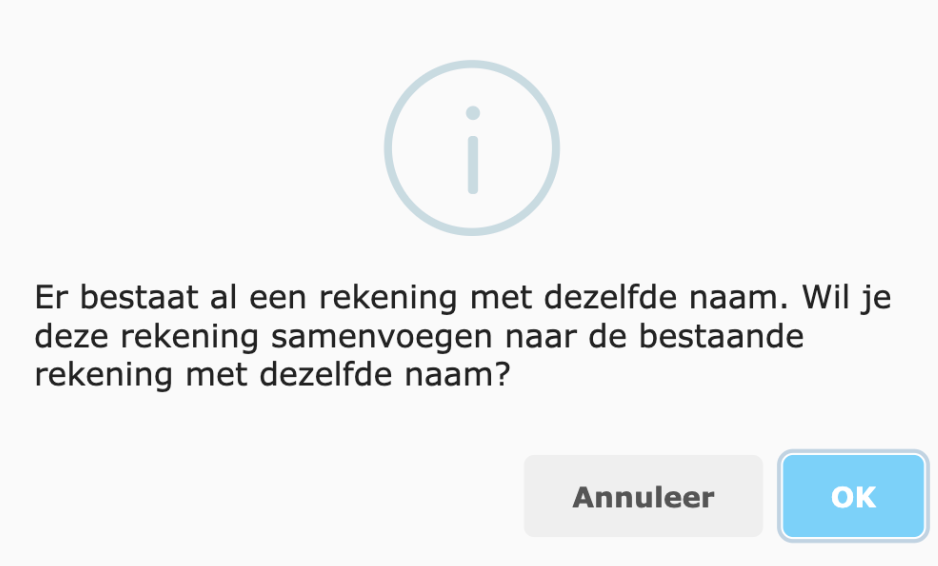
On saving, the linked transactions are moved to the remaining account, leaving one active account.
Merging categories
Section titled “Merging categories”Two categories with the same meaning can be merged into one category.
-
Open the category to be retired.
-
Change the name to exactly the name of the category that should remain.
-
Click Save.
-
Spendle reports that a category with this name already exists. Confirm the merge.
After merging:
- all transactions and split lines are in the remaining category;
- the budgets of the old category belong to the remaining category;
- the old category has been deleted.
Merging relations
Section titled “Merging relations”The same principle applies to relations: when two relations are given the same name, they are merged on saving.